


Motorized MIDI Controller for software & hardware
Total control with instant recall
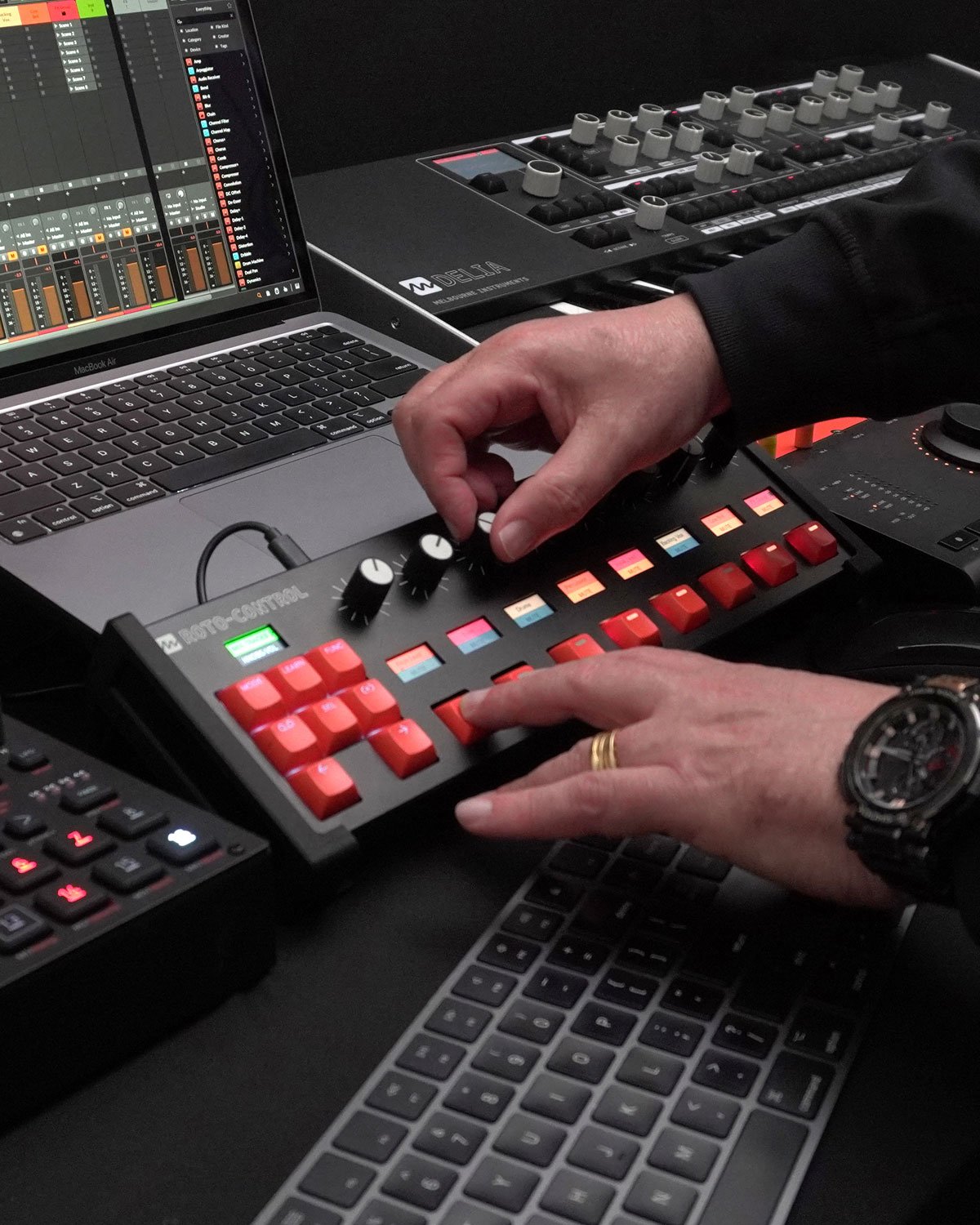
Switch tracks, change plugins, the knobs follow and you just keep playing.
Advanced DAW integration
Automatically sync track and plugin labels directly from your Ableton Live, Bitwig Studio, Logic Pro and Max sessions.
Every knob feels exactly how you want it
Smooth for a sweep, stepped for a selector, centred for a pan. All configurable per knob, per setup.
All your setups stored on the device
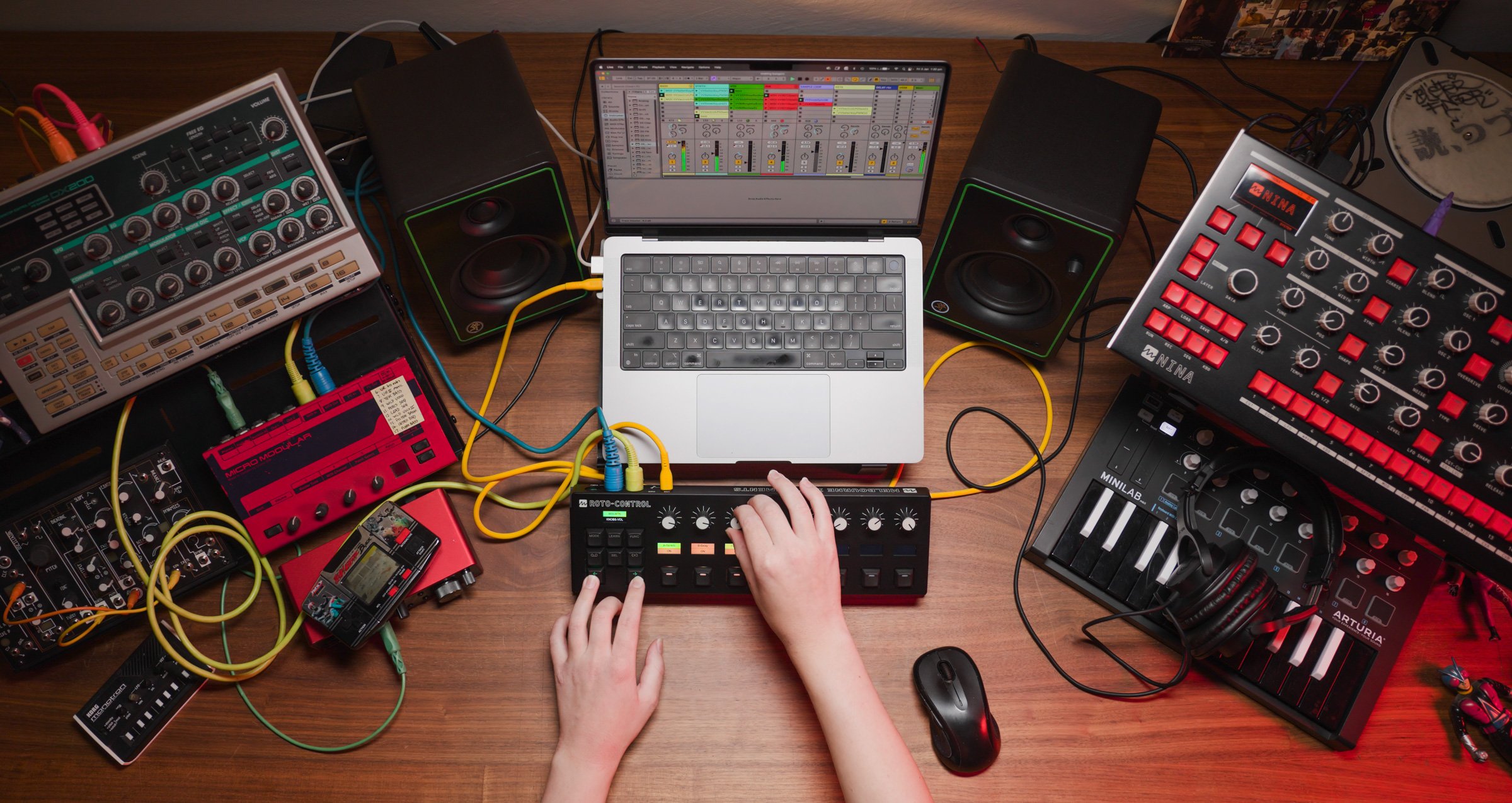
Compact footprint that suits any workstation.
Compact & Portable
Compact footprint that suits any workstation.
Your software session,
on hardware
Roto-Control bridges the gap between creator and machine, making music faster, sharper, and a more interactive experience
Instant visual feedback —
See it, touch it, feel your sound
New
Max support for
Roto-Control
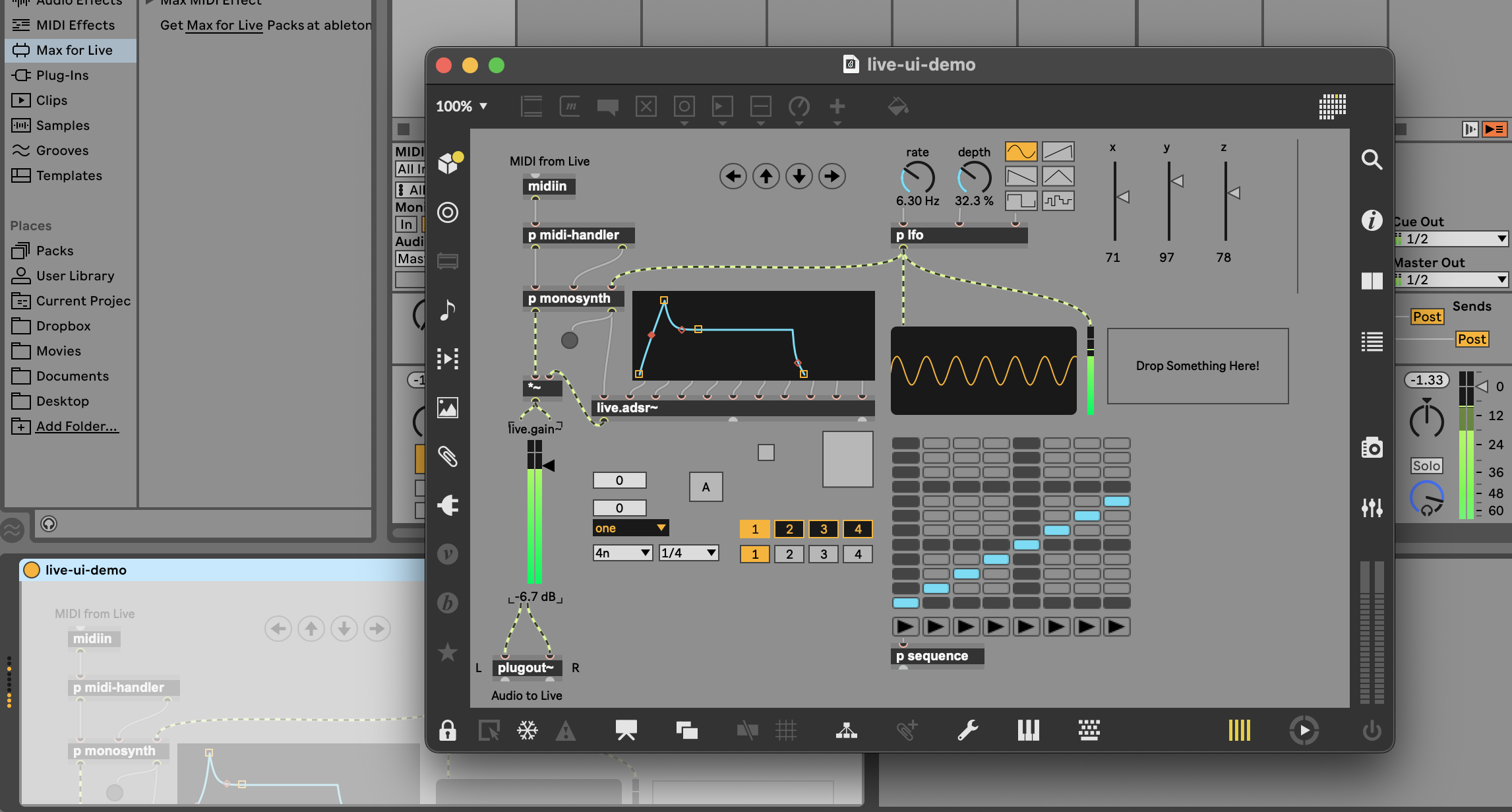
Melbourne Instruments announce native Cycling ’74 Max integration for Roto-Control. With Max now supported directly in PLUGIN Mode, Roto-Control becomes a powerful hands-on interface for creating and using custom instruments, audio, MIDI effects, and performance tools built in Max. Motorized knobs, touch-and-learn mapping, and haptic feedback bring physical control and recall to Max’s customizable user interfaces — bridging visual patching with tactile performance.
New
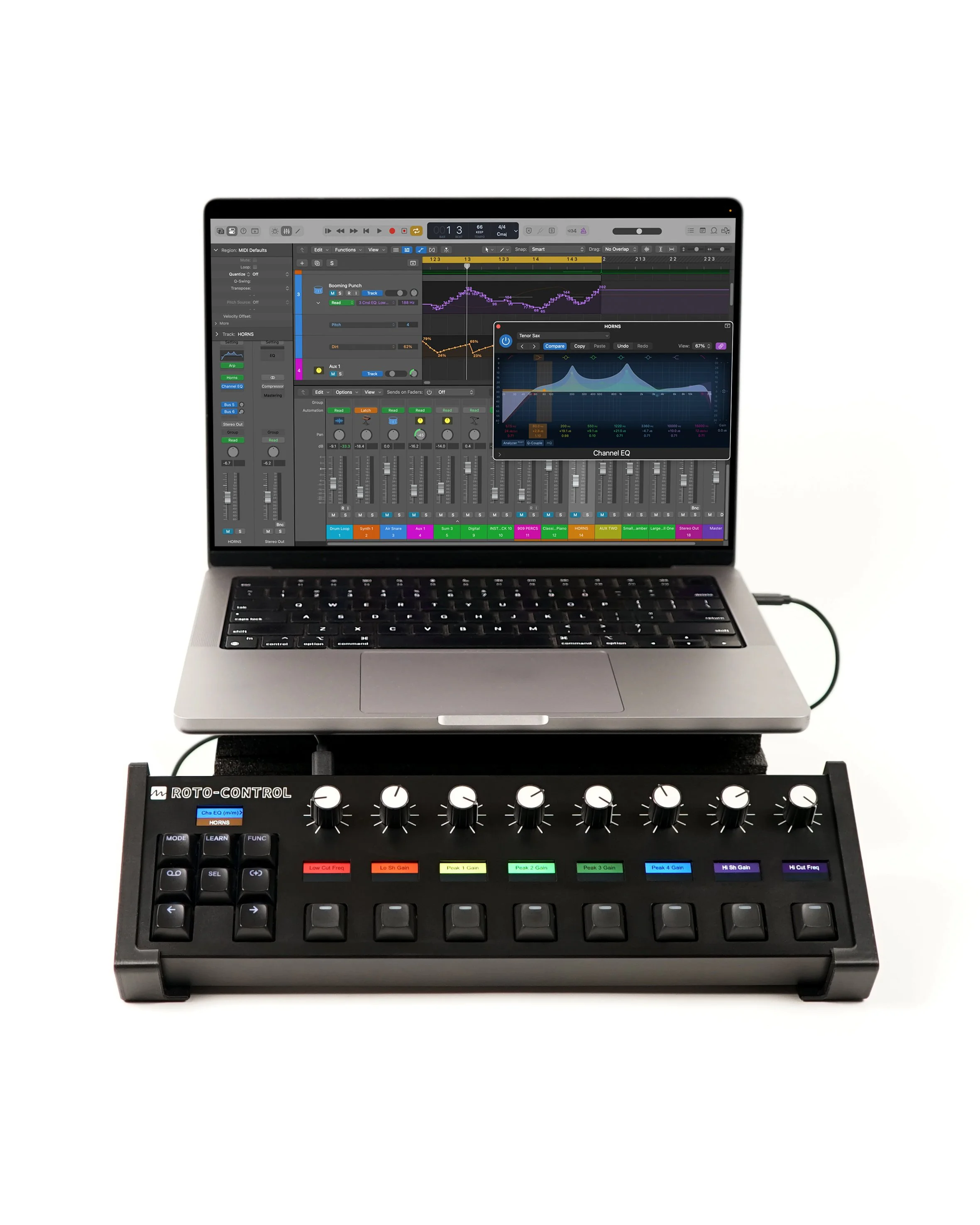
Logic Pro integration for ROTO-CONTROL
Roto-Control introduces a fully tactile, motorized controller for Logic Pro users, delivering fast, hands-on control of tracks, plugins, smart controls and automation.
MIX Mode mirrors Logic Pro's session track names, colours and order, while providing high-resolution control of volume, pan, sends, and instant access to mute, solo, record-arm and track focus.
PLUGIN Mode allows users to browse and select Logic Pro instruments and effects directly from Roto-Control. Parameters can be mapped instantly using touch-and-learn, with up to eight pages of controls stored on the device ready for any project.
Smart Controls are automatically mapped, offering up to 16 parameters available in both PLUGIN Mode and the dedicated SMART Mode.

Three modes of operation

MIX Mode
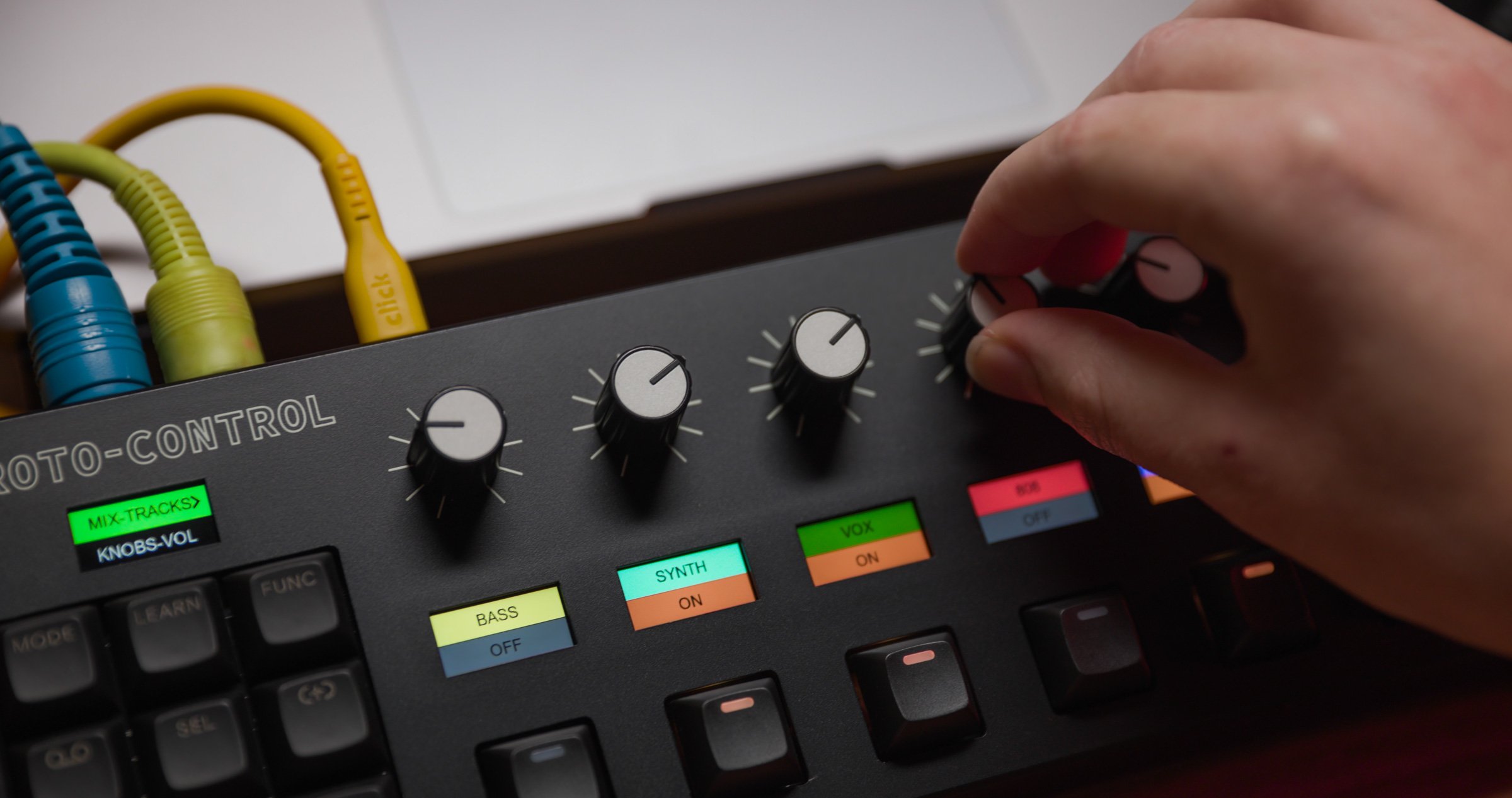
Your DAW mixer, on the hardware. Tracks, levels, pans, and sends appear automatically with no manual mapping.
Ableton Live, Bitwig Studio and Logic Prosessions sync automatically in MIX mode, with track names and colours appearing on Roto-Control’s displays
Knobs physically move to reflect current parameter values as you navigate tracks
Mute, solo, and record arm via dedicated buttons
No limit to the number of tracks - bank and page through your full session
Track names, order and colours update automatically when changed in your DAW session.

PLUGIN Mode
Learn a plugin once. Roto-Control remembers it forever, on any computer, in any project.
Touch a knob, move a plugin parameter - the mapping is stored on the device with the plugin name and parameter labels.
When you select a previously learned plugin, Roto-Control automatically recognises it, loads the mapping, displays the correct names, and moves the knobs to current positions.
Browse and select plugins directly from Roto-Control.
Up to 64 plugins stored on the device, 128 parameters each.

MIDI Mode with Motion Recorder
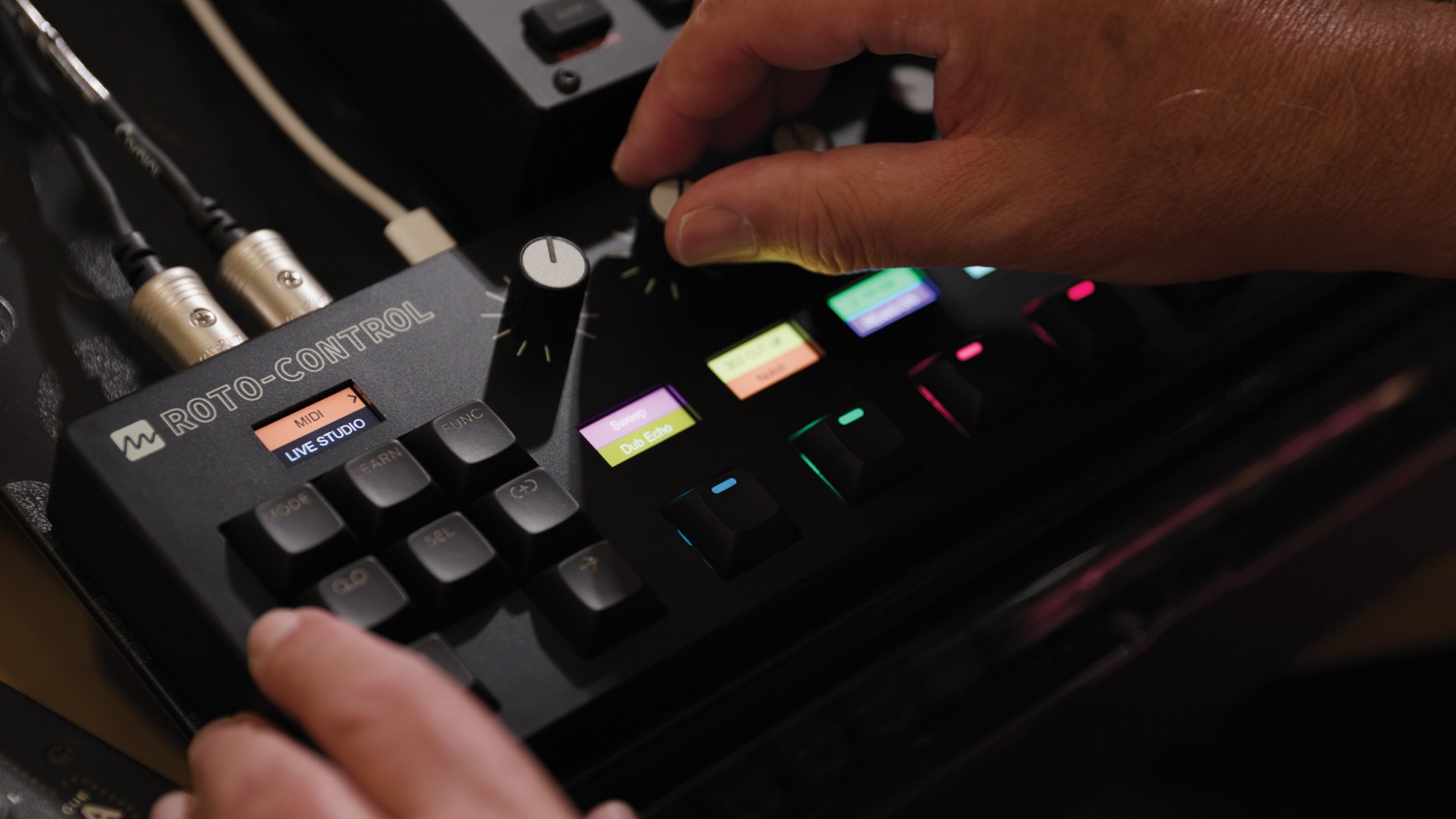
Control MIDI hardware and software including synths, DAWs, lighting, media applications and any MIDI compatible technology. MIDI Mode can operate stand-alone without a computer.
Up to 64 MIDI Setups stored on Roto-Control
Each Setup can consist of up to 64 controls (32 knob + 32 button assignments)
Setups can be imported and exported via the Roto-Setup app.
Ability send CCs, Program Changes and MIDI notes using Roto-Control keys

Motion Recorder
Motion Recording brings Melbourne Instruments’ motorized knob technology to external gear. Motion Recorder is a creative and fun way to automate and loop MIDI parameters on external hardware and software. Simple one-step record and playback functions.
Record a movement. Loop it. Watch Roto-Control play itself.
Record up to 8 parameters per Setup
Save up to 16 MIDI Set-Ups with Motion Recording
Clock source: Internal or external MIDI clock
Step recording lengths: 16, 32, 48 or 64 steps
Playback modes: forward, backward, random, ping-pong


Easy-to-use,
one-touch LEARN
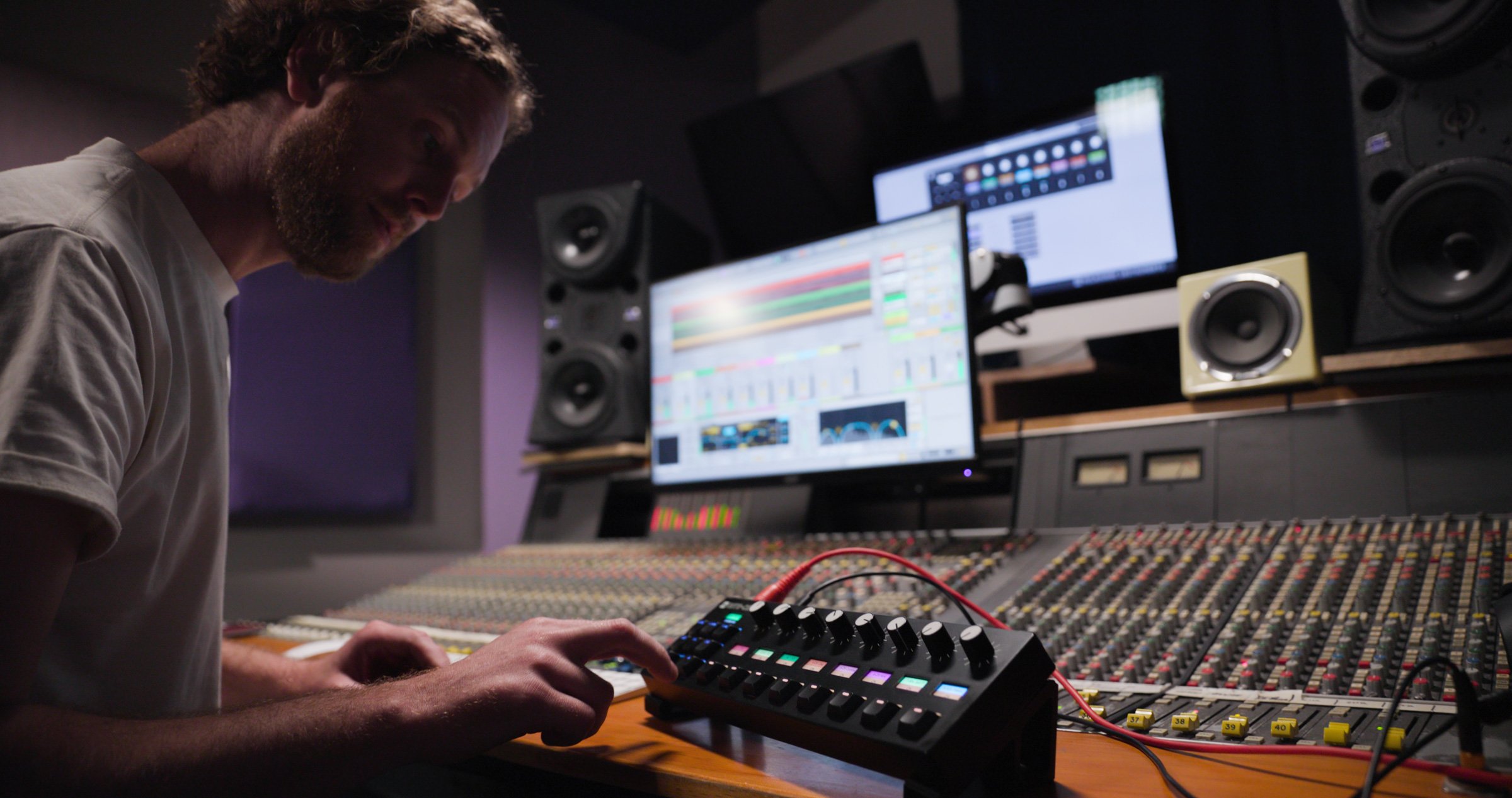
Roto-Control can ‘LEARN’ a Plugin or MIDI parameter in just seconds. Both PLUGIN and MIDI modes offer LEARN functionality that is fast, easy-to-use and incredibly versatile when paired with the Roto-Setup App.
Instantly learn plugin controls, including plugin name and parameter names
Learn once - saved on device for instant recall
Customize Plugin or MIDI setups with names, color codes and more.
LEARN then customize with Roto-Setup — knob and button names, colors, haptics, min/max values, steps and more.
Take control of your hardware setup like never before.
Save up to 64 different MIDI setups, each containing 64 control assignments.
Specifications
-
8 x touch sensitive motorized knobs
Haptic feedback and instant parameter recall
9 x high-res LCD (IPS) displays
16 x backlit RGB LED buttons
2 x USB-C ports (Data + Power)
MIDI in/out/thru, 5-pin MIDI DIN
MIDI over USB
-
Brushless drone motors with Melbourne Instruments’ patented ultra-hires contactless optical sensors
Lifetime rating in excess of 50 million cycles, 500 times more than conventional pots
-
Dimensions: 341mm x 112mm x 44mm / 13.4” x 4.4” x 1.7”
Weight: 715g / 1.58lb
Construction: ABS and metal casing
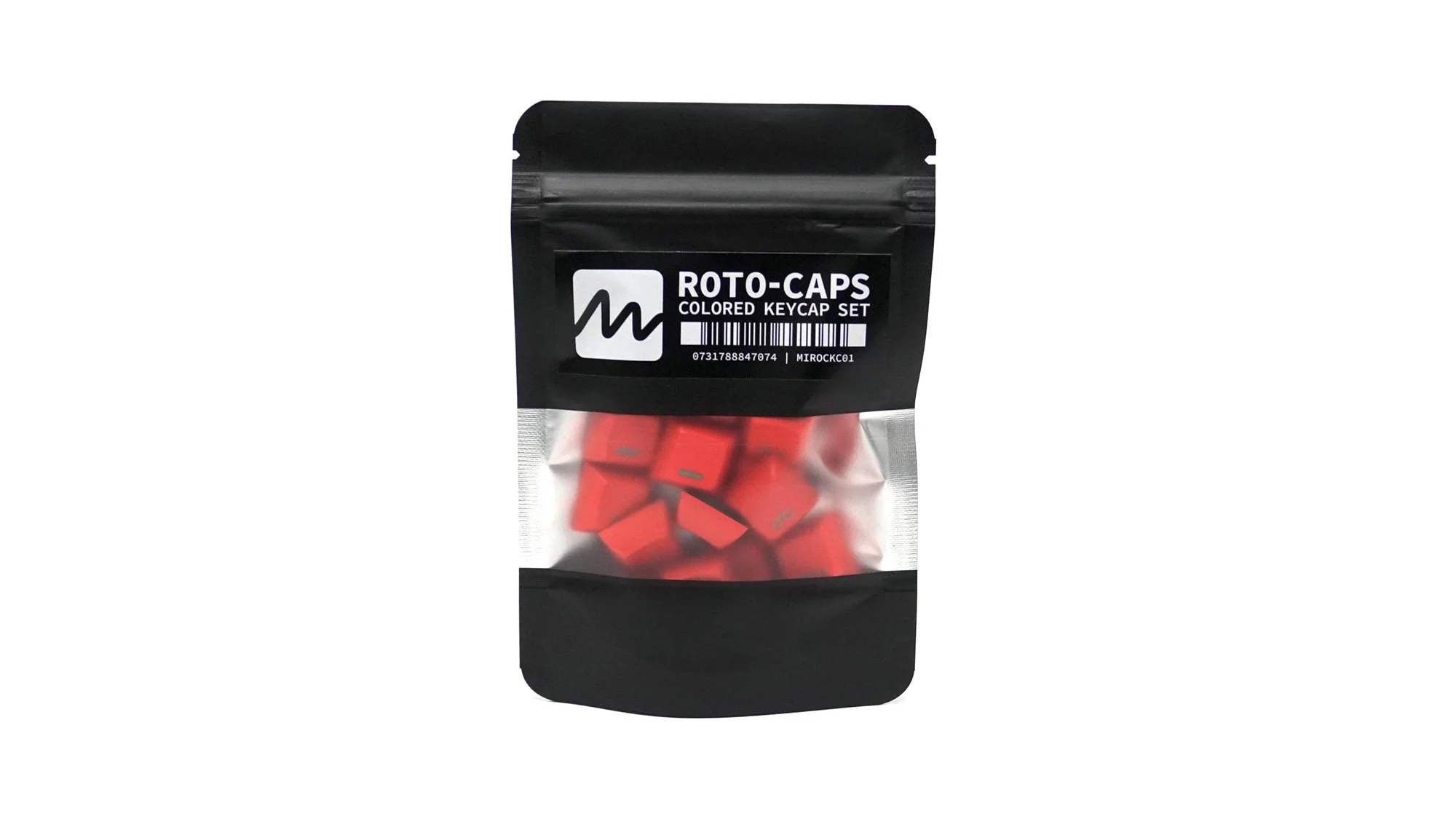
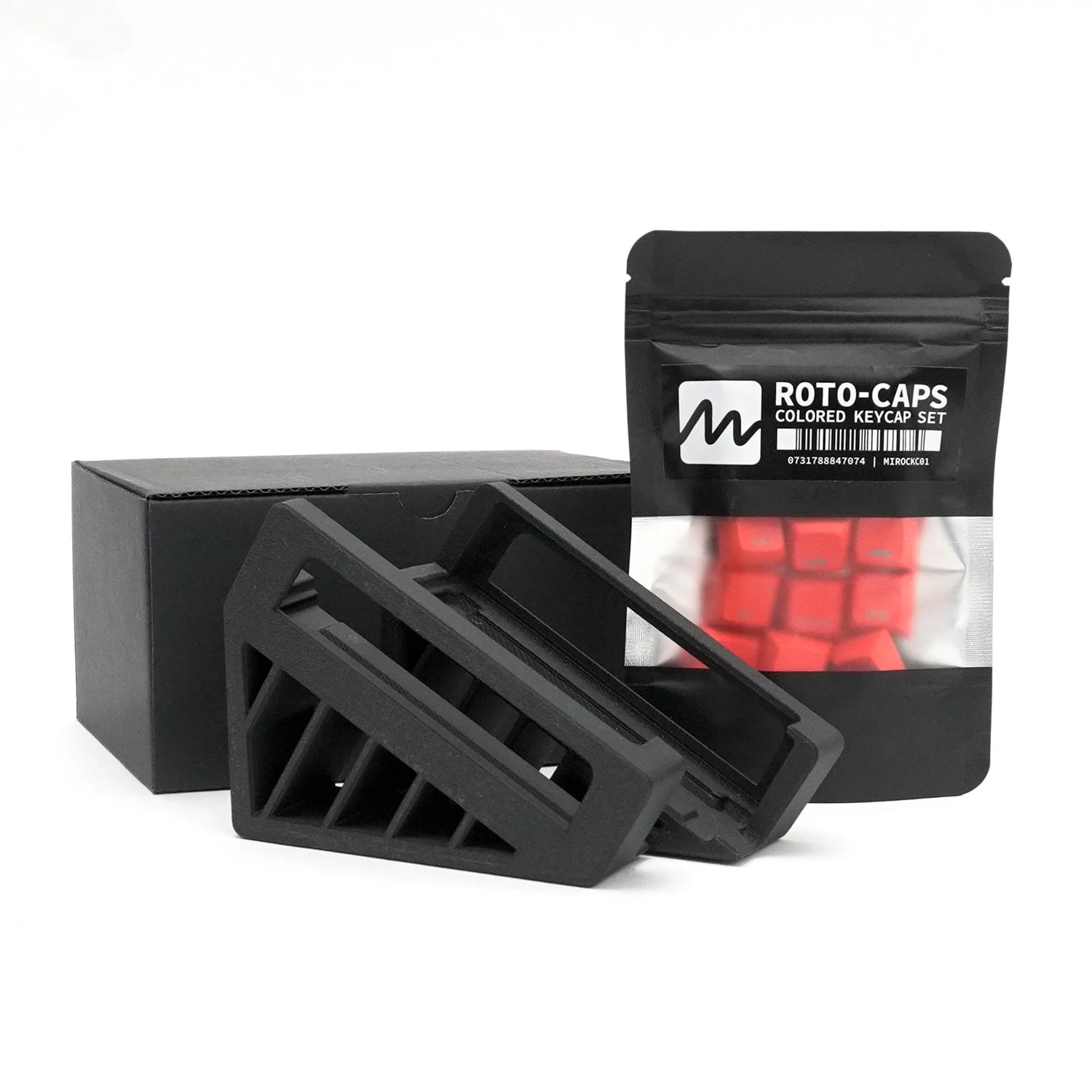
Interchangeable MX compatible buttons
-
Power: USB-C 5V (15W)
-
ROTO-CONTROL unit
USB-C power supply 5V (15W)
USB-C cable
Carry bag and cable tie
Quick Start Guide
-
Logic Pro 10.7 or higher for MIX and PLUGIN Modes
Ableton Live 10 or higher for MIX and PLUGIN Modes
Bitwig Studio version 5.3.8
MIDI compatible hardware and/or software for MIDI Mode
*Specifications are subject to change.
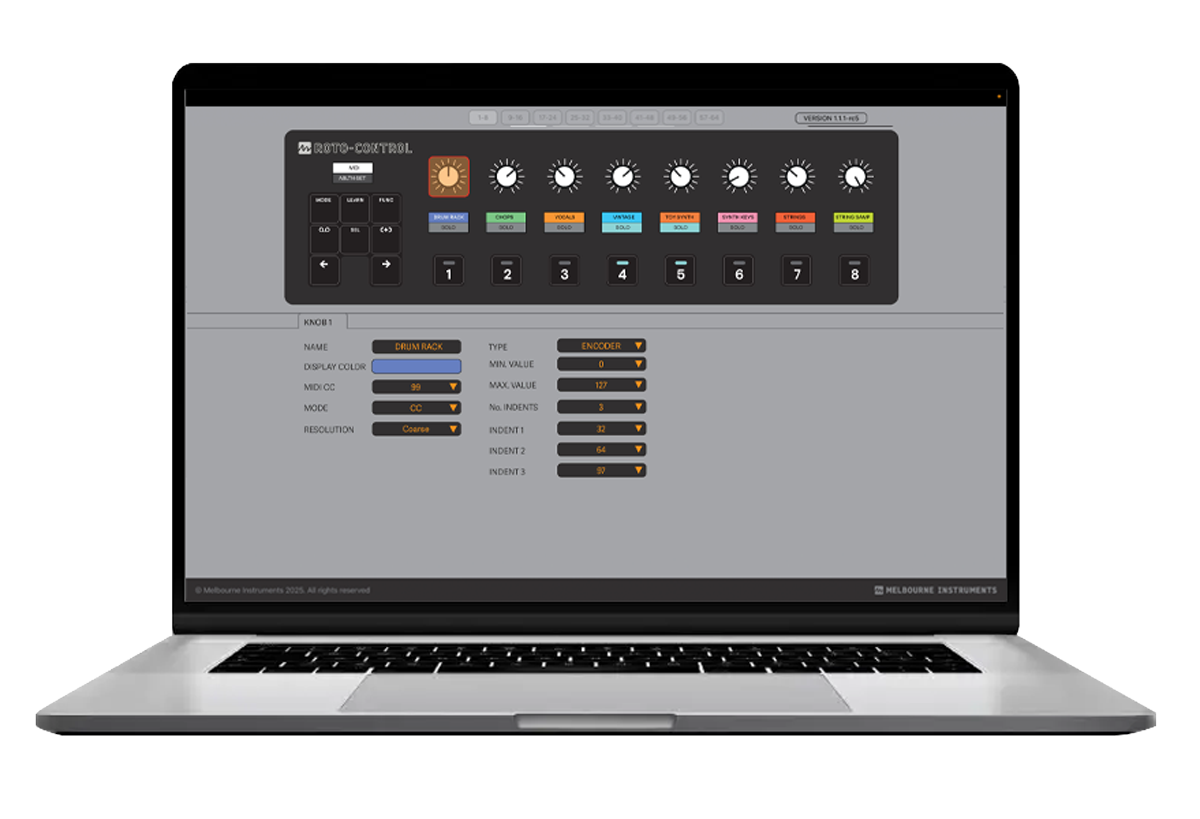
Roto-Setup App -
for more control
Provides additional configuration and customization of knobs and buttons including multi-position switches, haptic control, toggles, minimum and maximum values, MIDI notes and program changes in addition to MIDI channel, CC, NPRN, resolution and naming of steps.
Define haptic behaviour, multi-position switches, toggles, centre indents, min/max values and more.
Set MIDI channel, CC, NRPN, resolution, steps and step naming
Edit labels and colours for knobs and buttons
Import and export MIDI and PLUGIN setups
Automatically detect and update Roto-Control firmware when connected
Works with Windows 10 / MacOS 12 or higher

Bitwig Studio 8-Track now included with Roto-Control
As part of our collaboration with Bitwig, all new Roto-Controls now include a Bitwig Studio 8-Track license, offering a free and simple way to explore how Roto-Control and Bitwig Studio can enhance your creative process, both in the studio and live on stage.
Bitwig Studio 8-Track is a great way to start producing, performing, and designing sounds like a pro! Learn more at bitwig.com
Recently purchased a Roto-Control without Bitwig 8-Track included? You may still qualify for a license - learn more.


Locate a Melbourne Instruments dealer store near you >
ROTO-CONTROL Accessories



Need help getting started with your Roto-Control? FAQs and more